
A League of Legends stream overlay between games
After each game, your chat sees the moment that decided it and guesses why you died. During the game: nothing.
Free closed beta · Windows 10 and 11 · OBS, Streamlabs
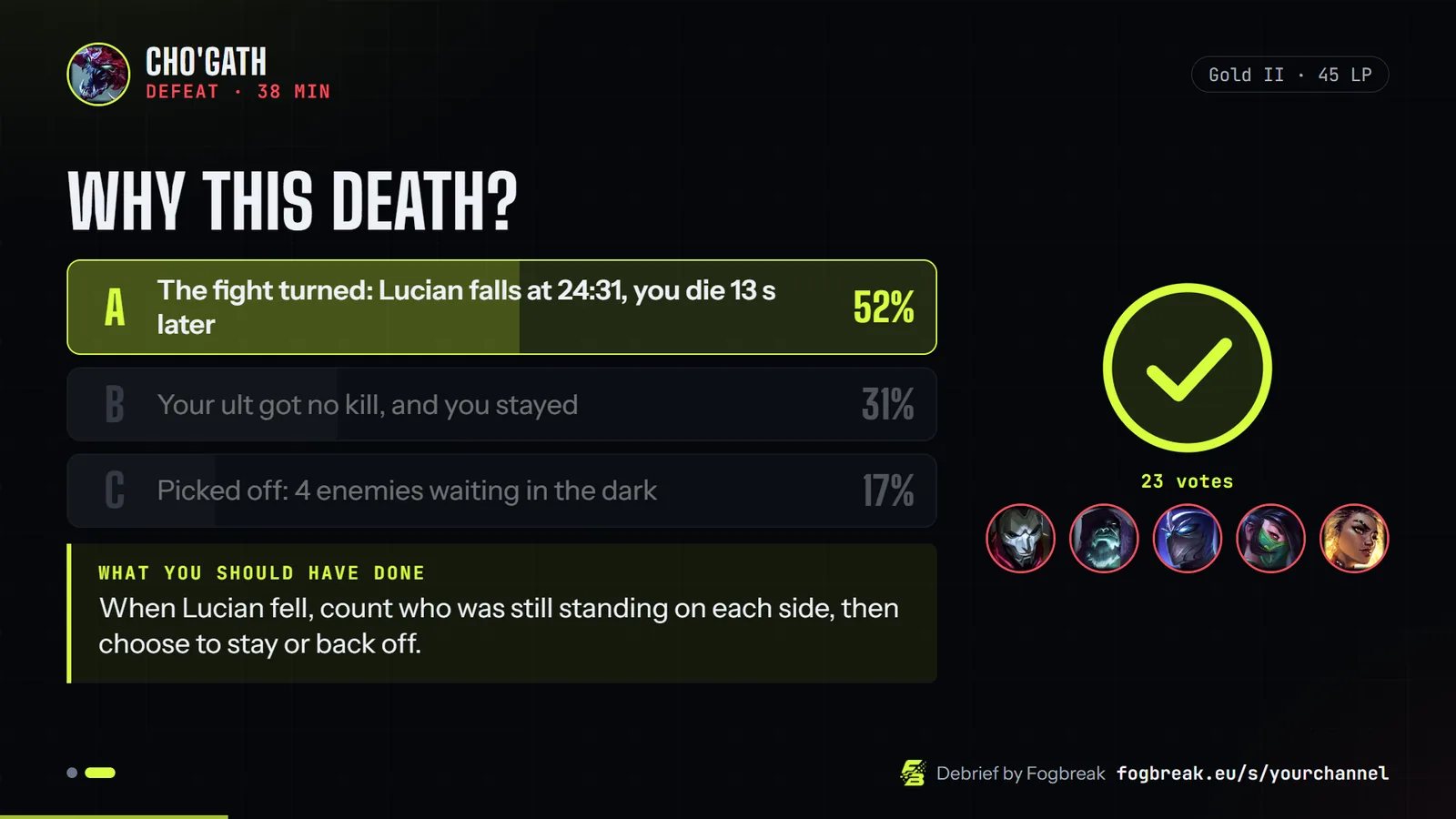
What your chat sees
Turning point
Your win chance, minute by minute, and the moment the game turned.
Question to chat
“Why this death?” Chat answers A, B or C, then the answer with its votes.
Deaths
Each death, its cause and what you should have done.
The fog
On the minimap, the enemy you couldn't see.
Tonight
Tonight's games and the skill you're working on: how many times it held.
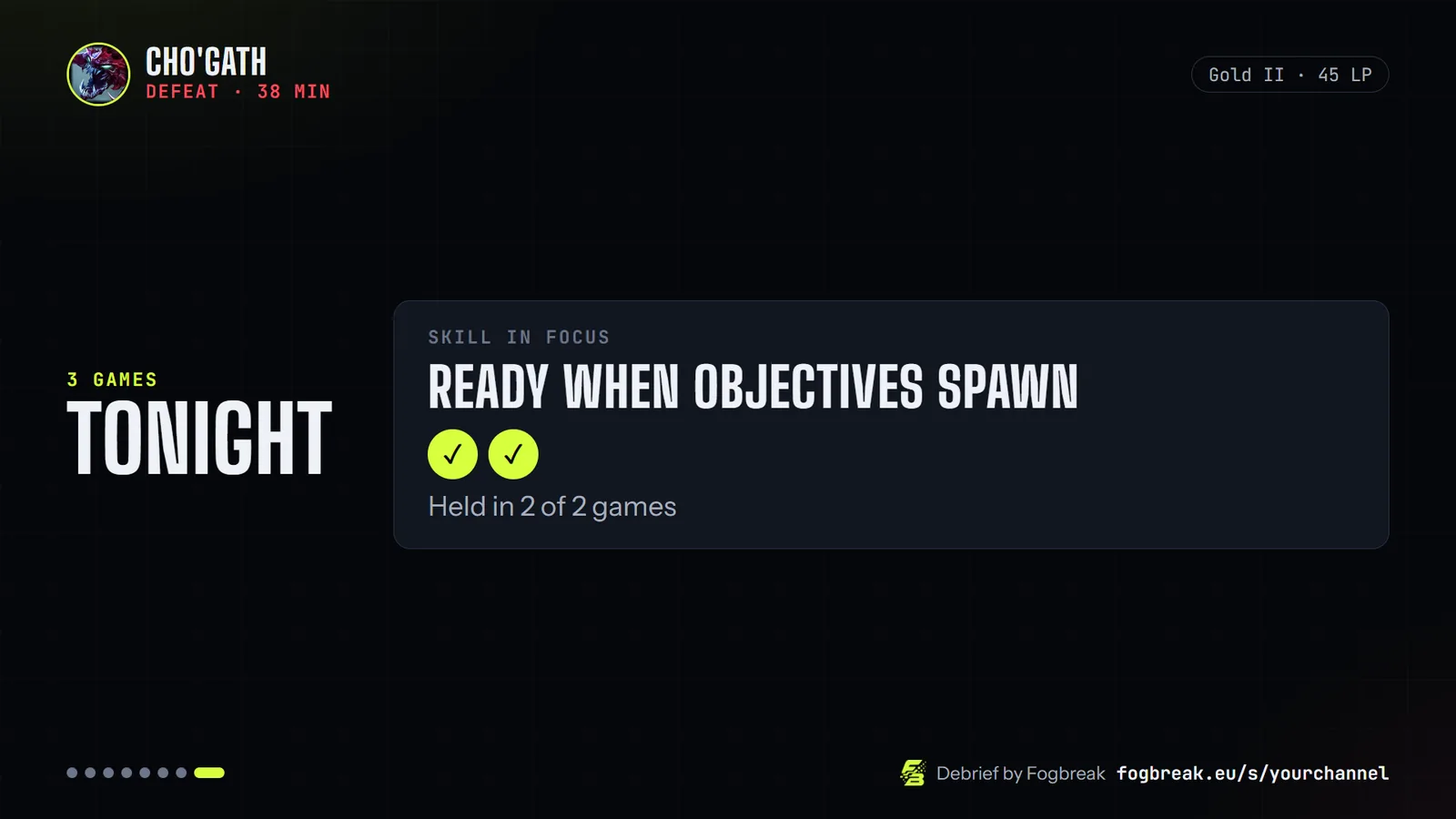
Turn each screen on or off and drag to reorder, in Fogbreak's Stream menu.
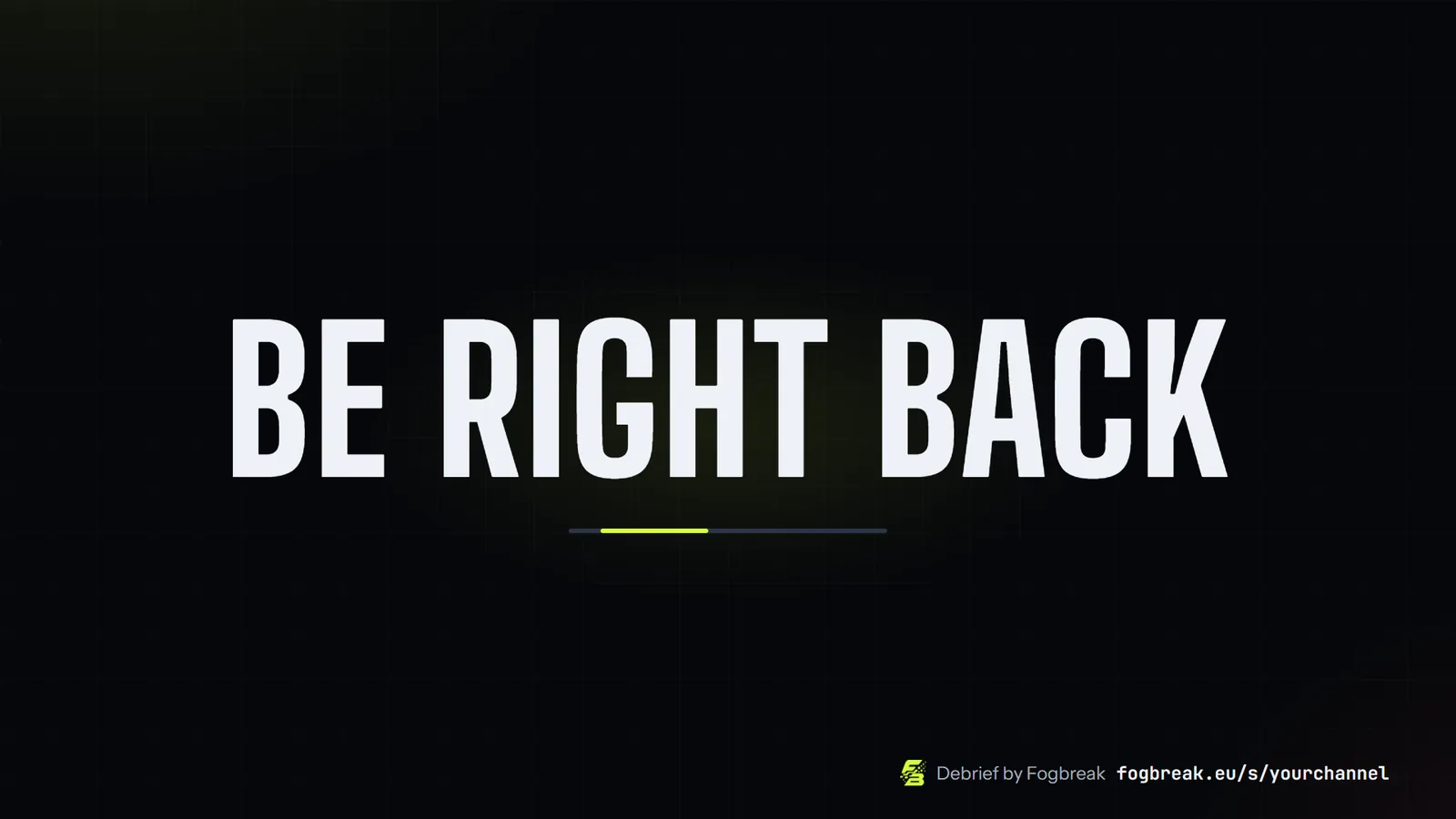
The break screen
A second source for your break scene: your evening on a loop, Tonight, the questions to chat and the turning point.
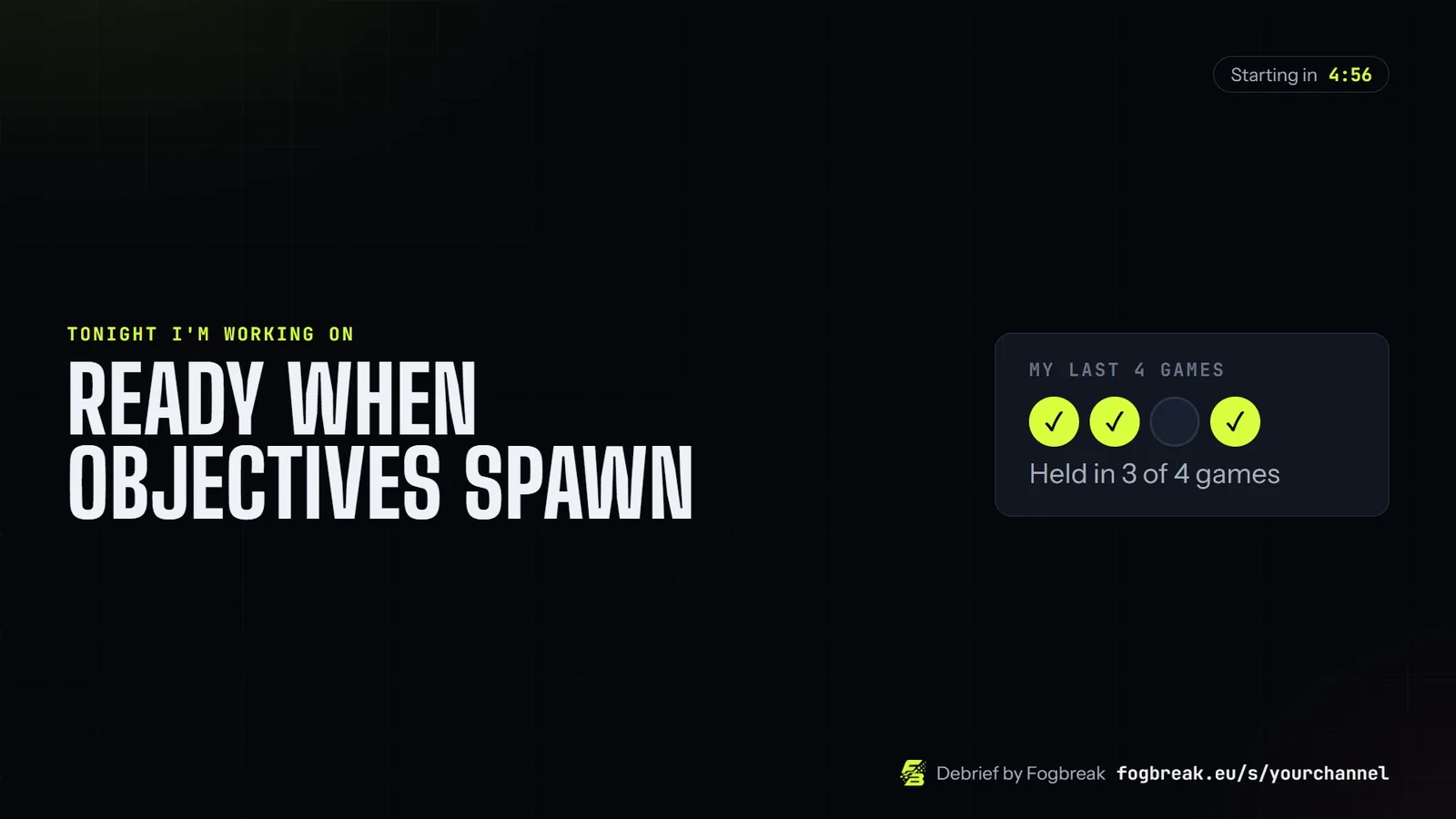
Start and end of stream
Two more sources: at the start, what you're working on tonight and where it stands; at the end, the evening's recap and the chat leaderboard.
3 layouts
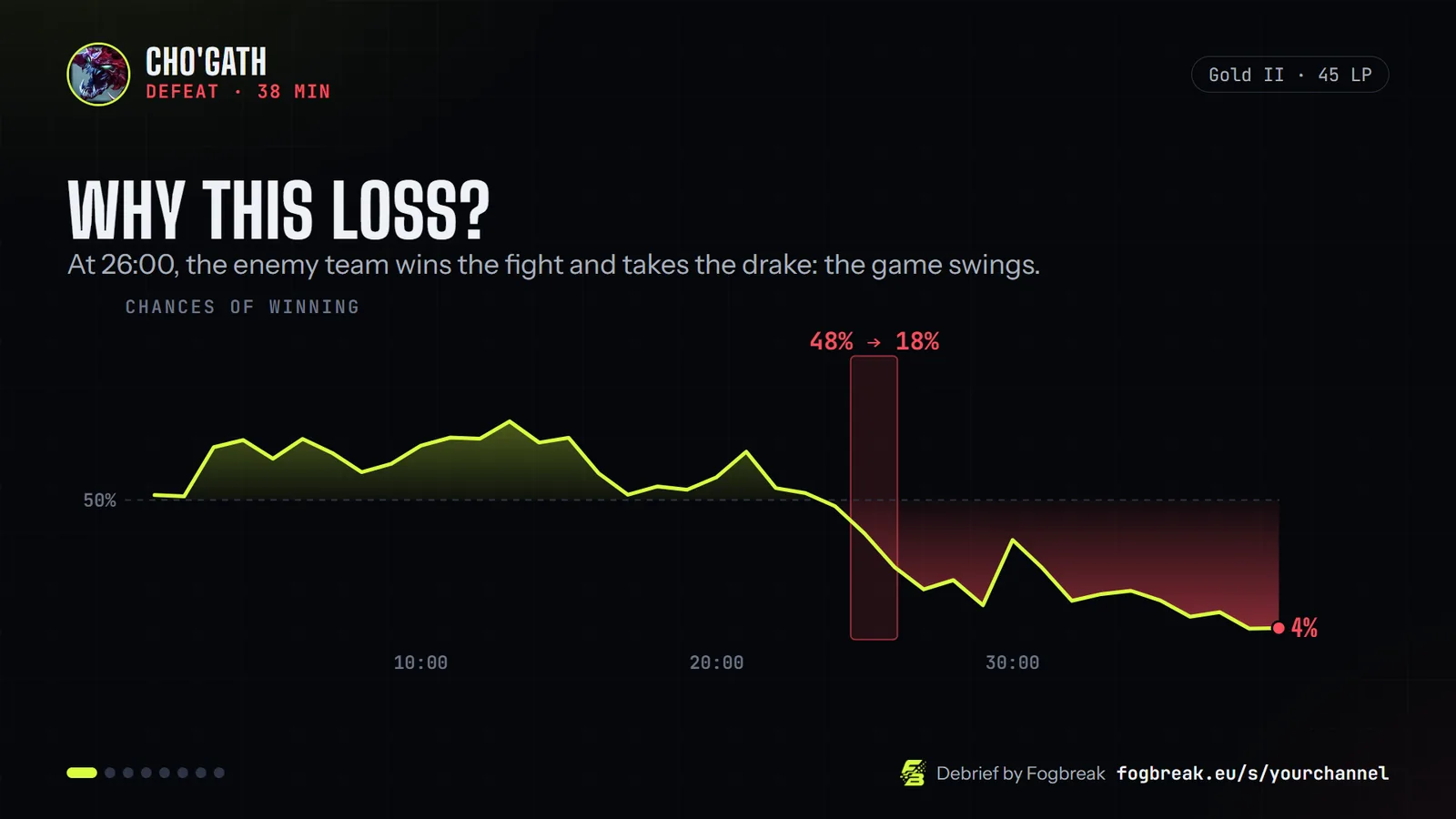
Full screen
The whole scene, between games.
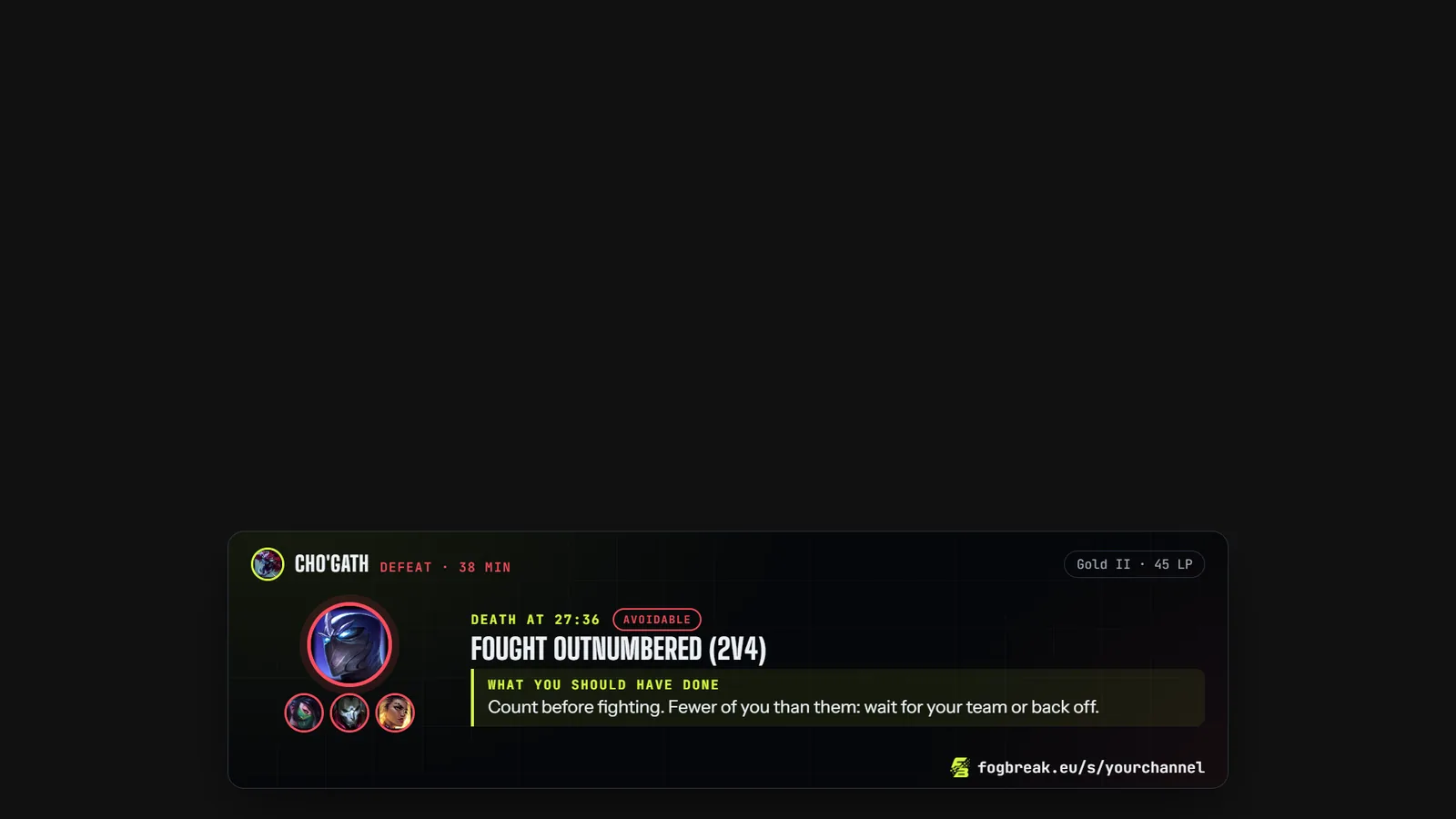
Bottom card
A card at the bottom: left, middle or right.
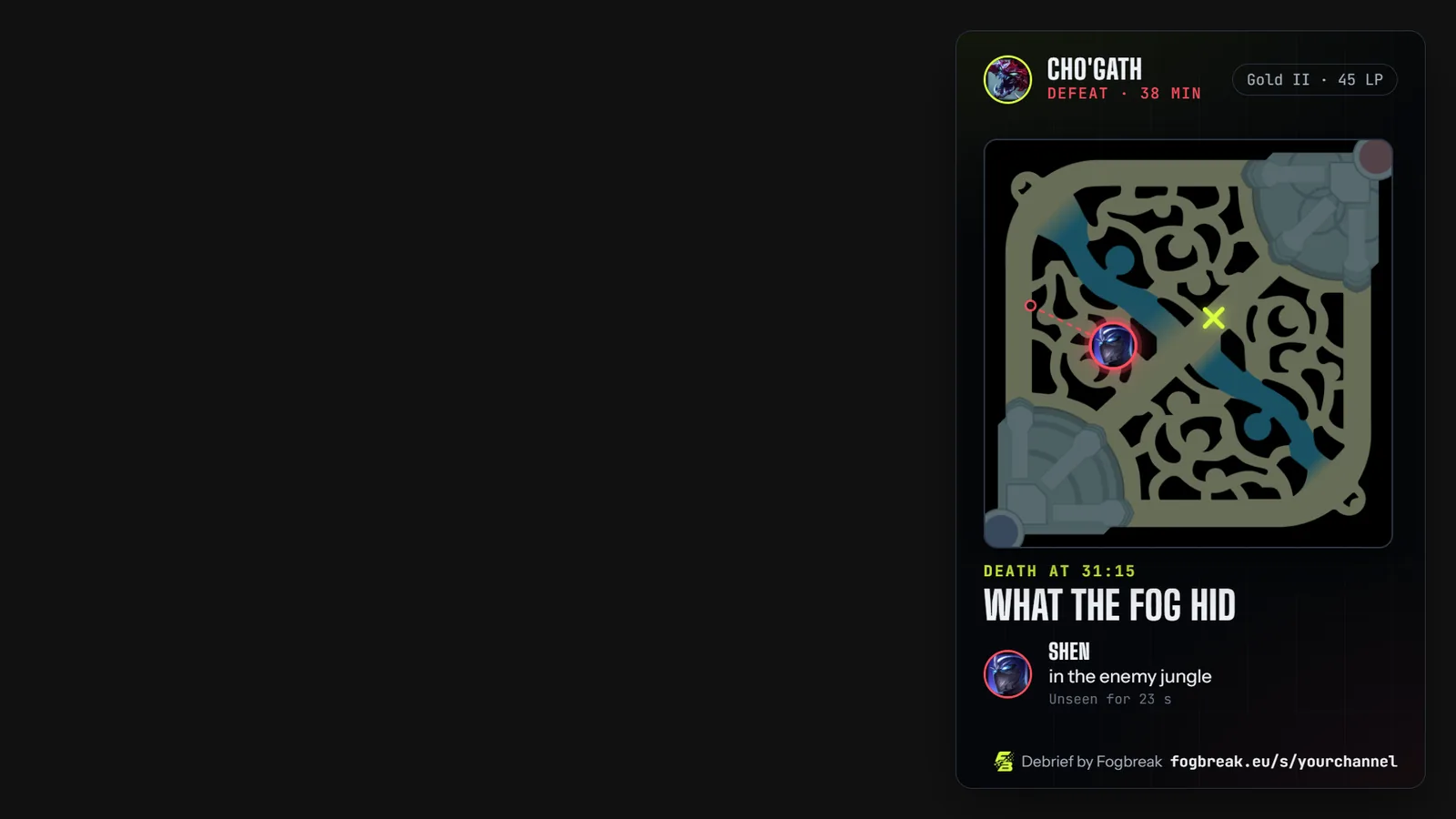
Side column
On one side of your scene, left or right.
Transparent or solid background, text size, screen time, countdown: all set in the app.
In OBS, in 3 steps
- 1In Fogbreak: Stream menu › OBS: Copy.
- 2In OBS: Sources › + › Browser, paste the address, at 1920 × 1080.
- 3Put it above your scene, and play.
Frequently asked questions
Is it allowed by Riot?
Riot's rule: nothing in game decides for the player. Stream mode shows nothing during the game. During champion select, it only shows the game before, nothing of the current draft.
Does it slow my game down?
During a game, stream mode shows nothing and computes nothing. It picks up once the game is over.
Is it free?
Yes: Fogbreak is in a free closed beta, and stream mode is complete in it, free version included.
Does it work with Streamlabs?
Yes, with any streaming app that takes a browser source: paste the same address. One condition: the same PC as Fogbreak, the address is local.
Do I need a bot for the chat vote?
No. Connect your Twitch channel: Fogbreak reads chat read-only, with no account or bot, only counts A, B, C during the questions and saves nothing: the evening's leaderboard stays in memory on your PC.
Are the other players shown?
By their champion only, never by name. Your rank, your portrait and your link can be hidden in the Stream menu.
Where do the question's answers come from?
From your game's debrief. The right answer is the measured cause of your death; the other two are real causes, taken from other deaths in your games. Nothing made up.
Your next stream, with the debrief
Closed beta, free, on Windows.
Stream regularly? Become a partner →